
Did you know? · No. 12 · Hack ·
Lower DNS TTL before a migration, or old answers can linger
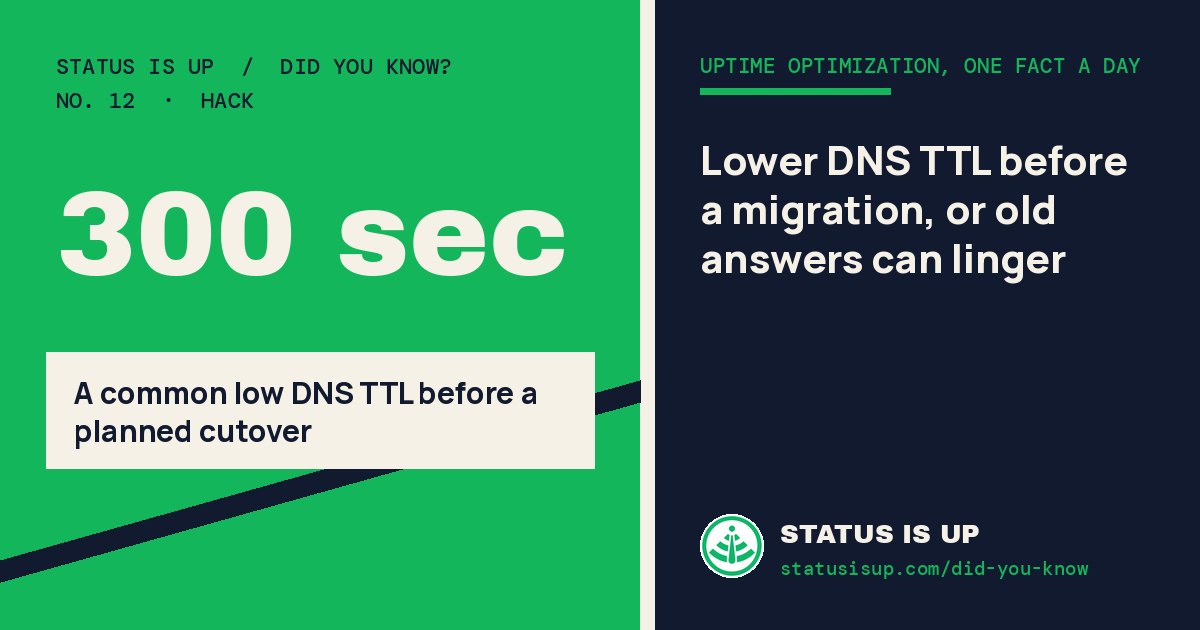
DNS answers are allowed to stay in a resolver’s cache for the record’s TTL. That means a visitor can still be sent to an old IP after you edit the record—not because the change failed, but because their resolver has not needed to ask again yet. RFC 1035 defines TTL as the period a record may be cached.
For a planned host or IP move, lower the relevant DNS record’s TTL before the switch, then wait for the previous TTL to pass. Only then change the record. New lookups will receive the shorter TTL, so the remaining cache window after the cutover is smaller. AWS uses this same order in its DNS-service migration guide: lower the TTL, wait for the old TTL to expire, then update.
This is not a promise of instant change. Cloudflare notes that local DNS caches can make the experience take longer. Keep the old host working through the transition, and return to an appropriate longer TTL after you confirm the move is stable.
Try this on your site
Find the A, AAAA, or CNAME record you will change and note its current TTL. Lower it to a value your DNS provider supports, wait at least the former TTL, then make the cutover while the old destination remains available.
Share this fact
Each fact is checked against the primary sources listed. Spotted an error? Email the Status Is UP team. Status Is UP helps owners improve their sites; it is not an uptime monitor. For live outage status, see Status Is Down.