
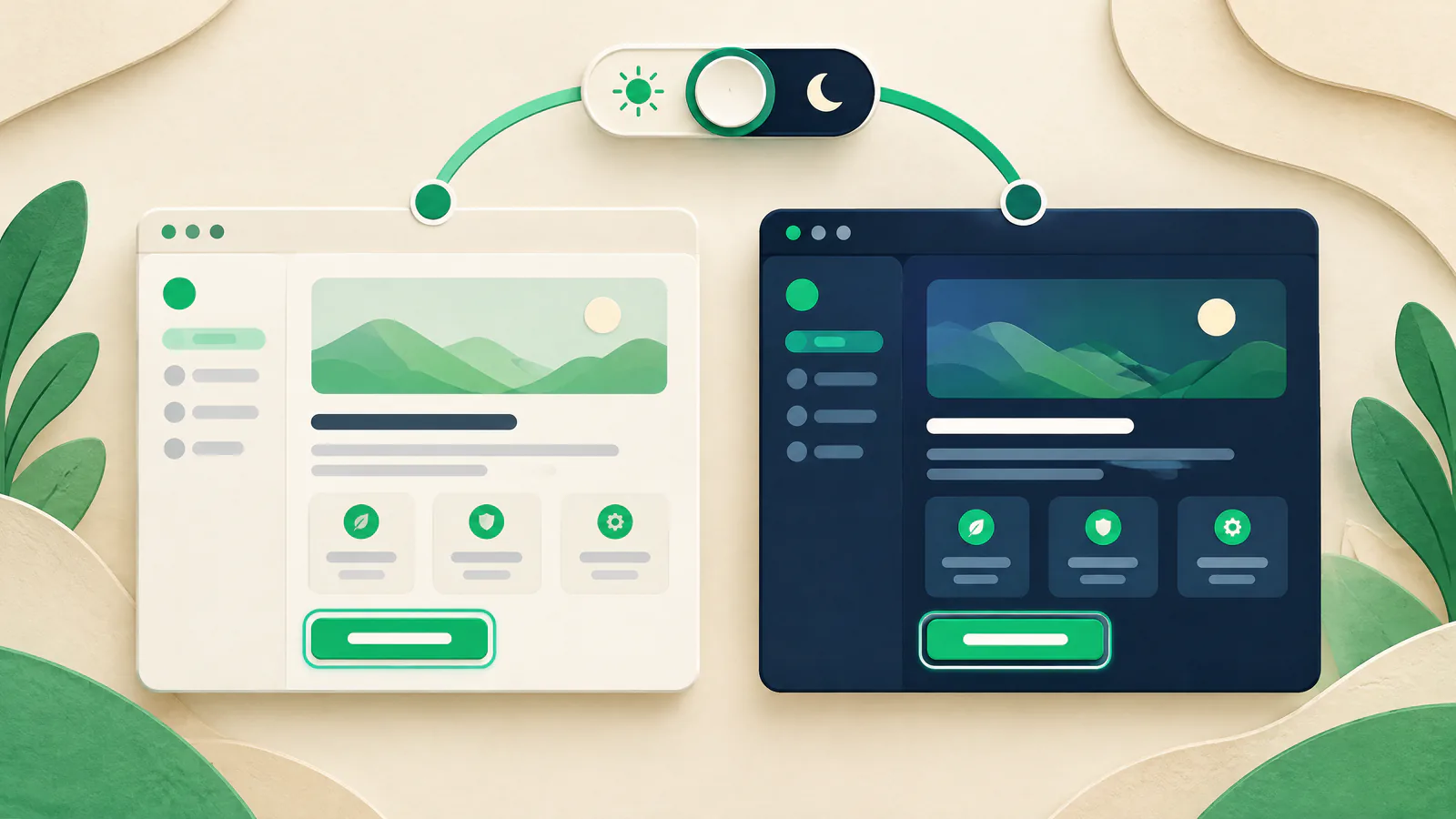
Start with a user choice and a token system
Use the system setting as a default with prefers-color-scheme. If you offer a switch, use a keyboard-operable control with an accessible name and expose the active choice programmatically. Give a manual selection precedence in that browser context; do not promise it follows someone to another device or private session.
Name colors by role, not appearance: canvas, surface, text, muted text, border, link, accent, error, success, focus, and disabled. Map every role in both themes. This stops a light-only gray from leaking into dark mode and makes fixes reusable. Dark is not inherently more accessible or universally preferred; it is another experience to make usable.
Document an order, such as saved choice first and system preference second, so teams test the same result.
Include hover, focus, selected, invalid, disabled, loading, empty, and visited-link states, not only defaults.
Measure contrast in the rendered theme
WCAG 2.2 Success Criterion 1.4.3 sets a 4.5:1 minimum for normal text and images of text, and 3:1 for large text. Do not round: 4.499:1 does not meet 4.5:1. Thin type can look weaker than its computed color, so use a sturdier face or extra margin.
Check each rendered foreground and adjacent background. Text over photos, gradients, translucent panels, or video has changing backgrounds, so one token calculation cannot prove it readable. Use an opaque backing, adequate overlay, or different placement, then inspect at realistic viewports.
Under WCAG 2.1 Success Criterion 1.4.11, visual information needed to identify an active control, required state, or meaningful graphic needs 3:1 against adjacent colors.
Pair color changes with text, an icon, pattern, position, or another clear cue; error and selected states should not depend on a subtle tint.
Protect keyboard focus, forms, and state changes
Tab through both themes. Focus must be visible on links, buttons, inputs, menus, dialogs, custom widgets, and the theme control. Do not remove the browser outline unless its replacement is tested on every surface and state. An offset outline is often clearer than a blending glow.
WCAG 2.2 Focus Appearance is an AAA criterion, not proof that a site meets AA. It is a useful target: an indicator area at least as large as a 2 CSS-pixel perimeter and 3:1 contrast between focused and unfocused pixels. Also verify that error, required, selected, and unavailable states retain meaning.
Test input hint, entered value, label, help text, error text, invalid border, checkbox mark, radio selection, and submit state separately.
For checkout or another regulated flow, use a provider sandbox and obtain qualified accessibility and security review where appropriate. This is educational guidance, not a compliance or security assessment.
Handle images, embedded assets, and browser-provided UI
Review logos, illustrations, screenshots, charts, icons, and text baked into images in both themes. A reused light logo can vanish and a chart legend can fail even when surrounding HTML passes. Supply a purpose-fit asset or stable background. Imagery that conveys instructions, status, or data must remain understandable.
Declare support for light and dark schemes, then style page content for the selected theme. The color-scheme property aligns browser canvas, scrollbars, form controls, and other browser UI. Place corresponding metadata early in the document. Embedded SVG can respond to the parent scheme; test third-party iframes and widgets end to end.
Prefer semantic HTML controls. Forced-color behavior uses native semantics, not an ARIA role added to a generic element.
Inspect downloaded, cached, slow-loading, and failed-image states, especially where text or action cues sit over media.
Respect forced colors and test the release as a system
Forced-colors mode applies a limited user-chosen palette, such as Windows High Contrast. Browsers can replace colors, remove shadows, and add text backplates. Do not block the override. Make targeted fixes where a component loses boundary or meaning, such as a real border where a shadow carried affordance. Emulation cannot represent every device, browser, extension, zoom level, or assistive-technology combination.
Run the route and interaction matrix in light, dark, and forced-colors settings before release. Chrome DevTools can emulate both conditions; use it to accelerate review, then manually navigate priority flows. Scanners find candidates but cannot determine accessibility alone. SIU preflights critical theme assets and interactions, records a release gate, and keeps a tested rollback path for severe presentation regressions; it is not downtime monitoring.
Include landing, navigation, search, account access, forms, error pages, authenticated screens, and material conversion flows.
Save tested URLs, browser versions, settings, exceptions, owner, and rollback trigger so remediation starts from facts.